You haven't signed in yet, you can have a better experience after signing in
*Please complete the payment within {{receiveCouponInfo.expire_at}}Previous use*
You haven't signed in yet, you can have a better experience after signing in



Activity Rules
1、Activity time:{{ info.groupon.start_at }} ~ {{ info.groupon.end_at }}。
1、Activity time:cease when sold out。
2、Validity period of the Group Buying:{{ info.groupon.expire_days * 24 }} hours。
3、Number of Group Buying:{{ info.groupon.need_count }}x。
Please Pay Attention
1、Teamwork process: Join/initiate a Group Buying and make a successful payment - Within the validity period, the number of team members meets the activity requirements - Group Buying succeeded!
2、If the number of participants cannot be met within the valid period, the group will fail, and the paid amount will be refunded in the original way.
3、The number of people required and the time of the event may vary among different products. Please pay attention to the rules of the event.

Super right-click is a powerful right-click menu tool on Mac, with rich features that add wings to your right-click menu. The deeply ingrained interaction design helps you greatly improve your macOS user experience!
Function Overview:
Function Introduction:
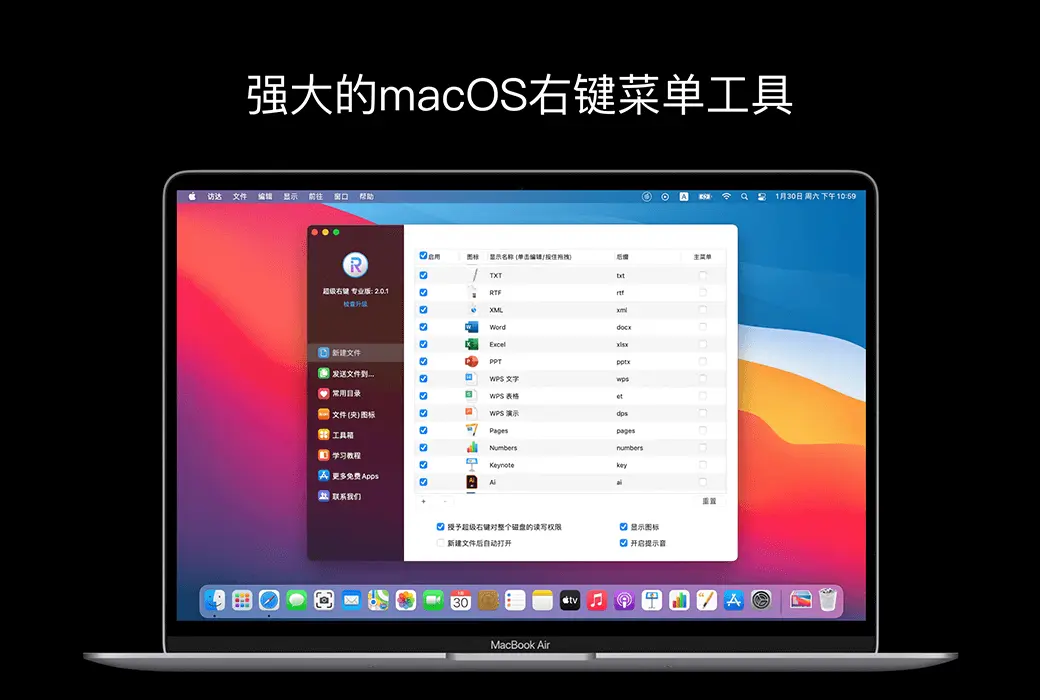
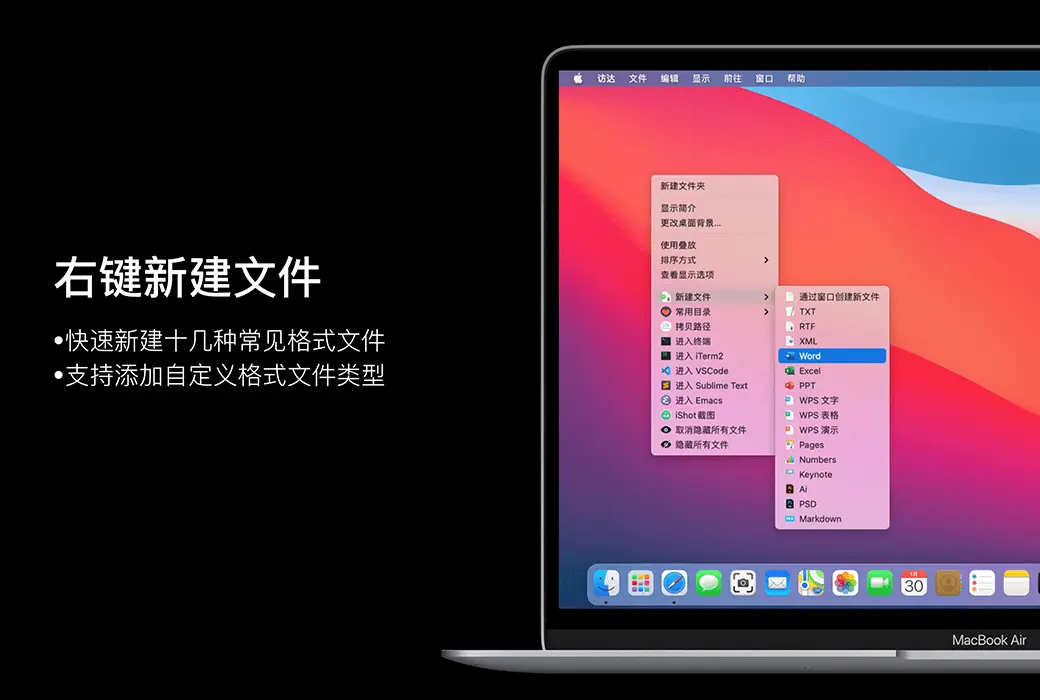
1. Default support for creating new file formats:
TXT/RTF/XML/Word/Excel/PPT/WPS Text/WPS Table/WPS Demo/Pages/Numbers/Notes/Ai/PSD/Markdown
2. Support users to add new file format types
Send the file to the specified location
Copy the file to the specified location
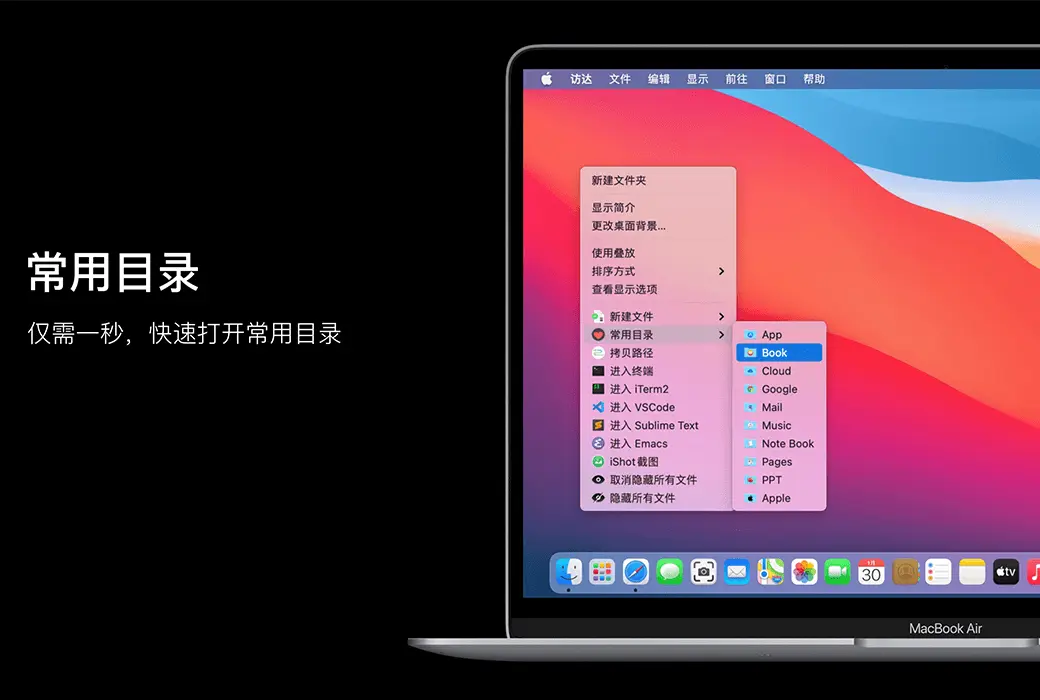
Add and set common directories in the right-click menu, select to reach the specified directory
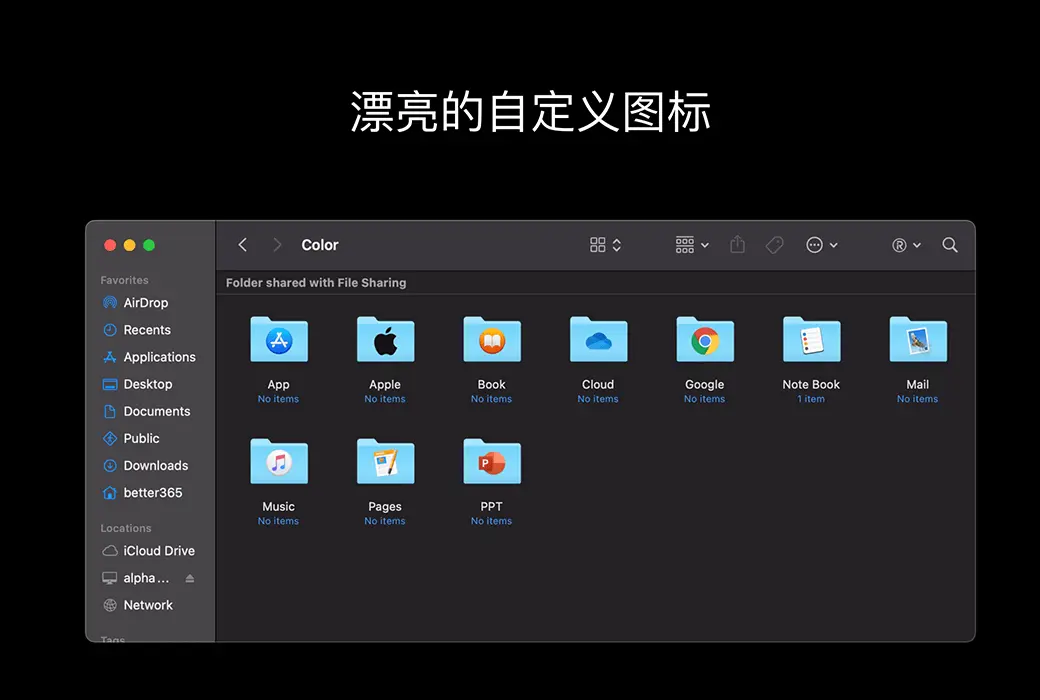
Isn't it inconvenient to find folders that are all the same? Don't be afraid, you can easily replace the folder with beautiful icons. Super right-click provides a large number of beautiful folder icons. Select the folder and set it up with a beautiful folder.
Right click menu for cutting/pasting files, convenient and fast
Select the file or right-click to copy the path in the current window for easy use
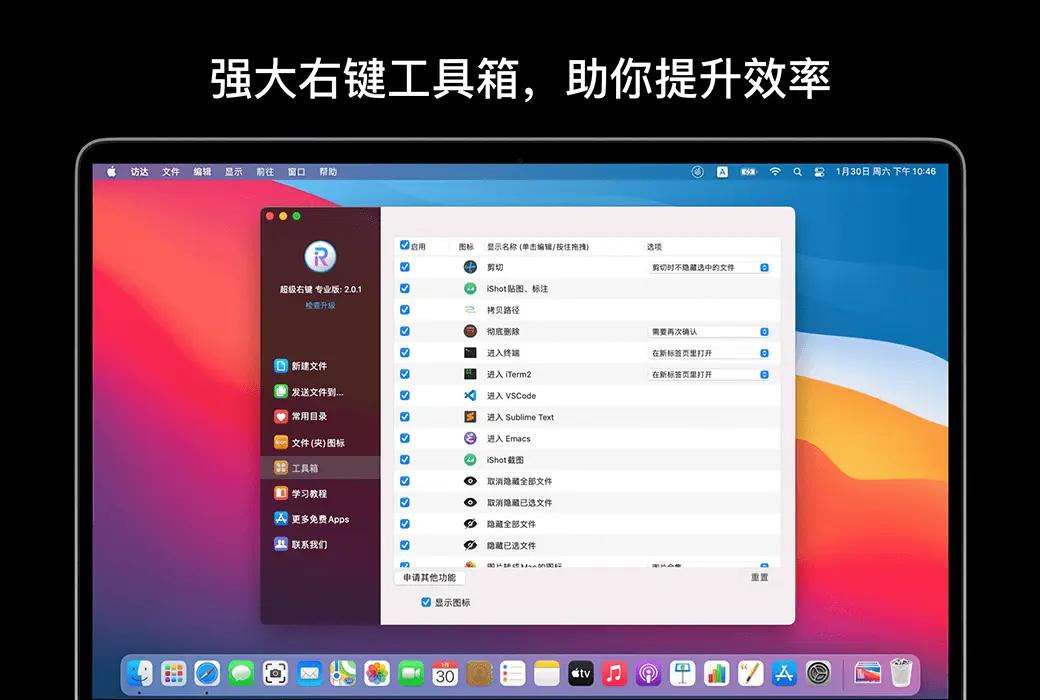
Enter the path in terminal/iTerm2/VSCode/Sublime Text/Emacs
1. Show/hide a file
2. Show/hide all files in the current window
Select the file, delete it directly, do not keep it in the trash can
Select the image and convert it into icon sets of 16 * 16, 32 * 32, 64 * 64, 128 * 128, 256 * 256, 512 * 512, 1024 * 1024
Select the image and convert it to:
1. iPhone icon group
29 * 29, 40 * 40, 58 * 58, 57 * 57, 114 * 114, 120 * 120, 180 * 180
2. iPad icon group
29 * 29, 40 * 40, 50 * 50, 58 * 58, 80 * 80, 100 * 100
72 * 72, 76 * 76, 144 * 144, 153 * 153, 160 * 160
3. Apple Watch icon group
48 * 48, 55 * 55, 58 * 58, 87 * 87
80 * 80, 88 * 88, 172 * 172, 196 * 196
Right click on the service menu:
Official Website:https://aodo365.com/irightmousepro.html
Download Center:https://irightmouse.apsgo.cn
Delivery Time: Automatic delivery within 24 hours
Operating Platform: macOS
Interface Language: Supports Chinese interface display, with multiple languages available.
Update Instructions: Officially promises one-time purchase with lifetime updates.
Trial Before Purchase: Free trial for 3 days before purchase.
How to Receive Your Product: After purchase, the activation information will be sent to the email address used for the order. You can also view the corresponding product activation code in your personal center, under "My Orders".
Number of Devices: Can be installed on 1 computer.
Changing Computers: Uninstall on the original computer and activate on the new one.
Activation Guide: Click "Register" in the lower right corner of the software, enter the registration code as prompted, and click to complete the registration activation.
Special Instructions: To be added.

Any question